What Is the Average Lifespan of a Copier in 2026?
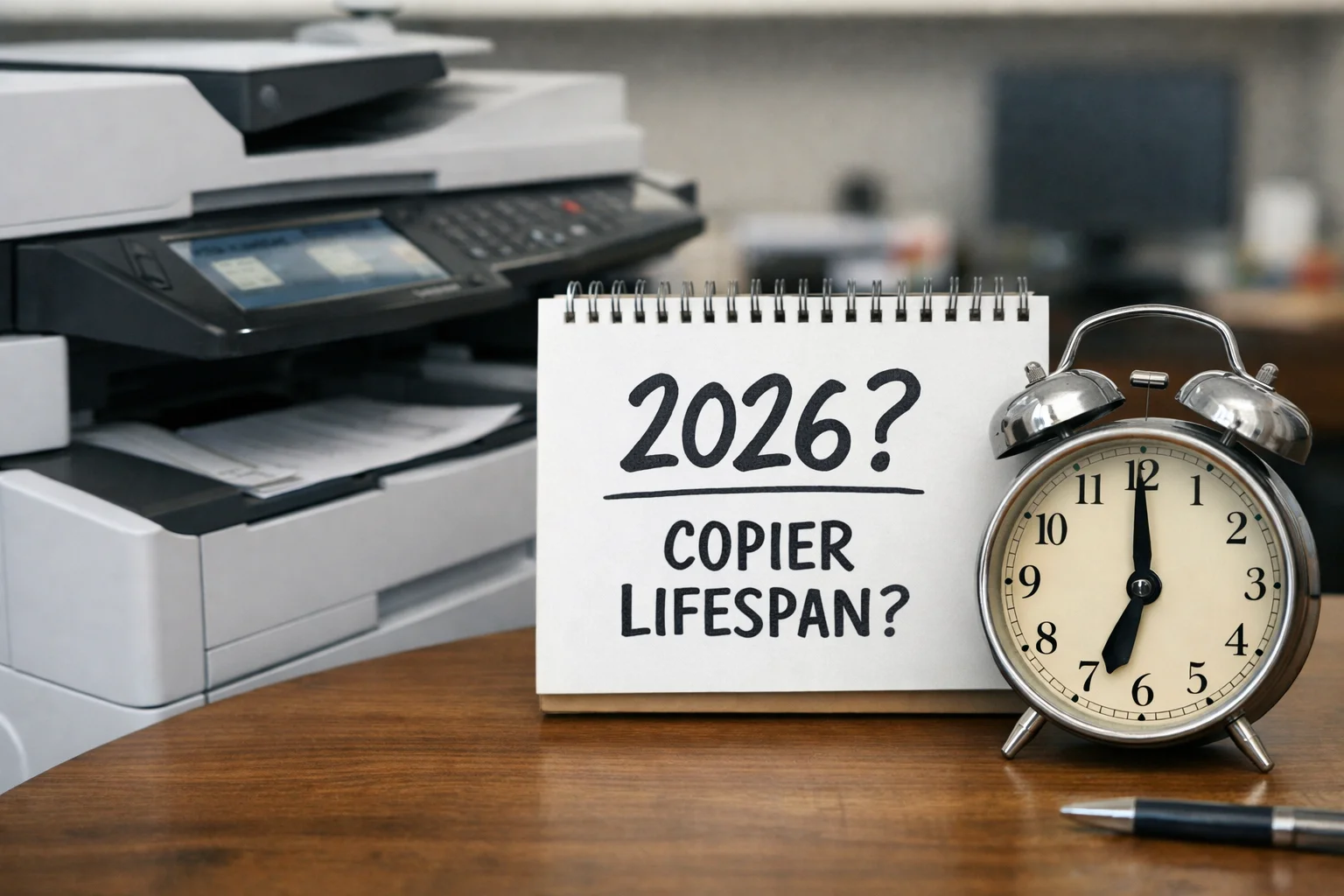
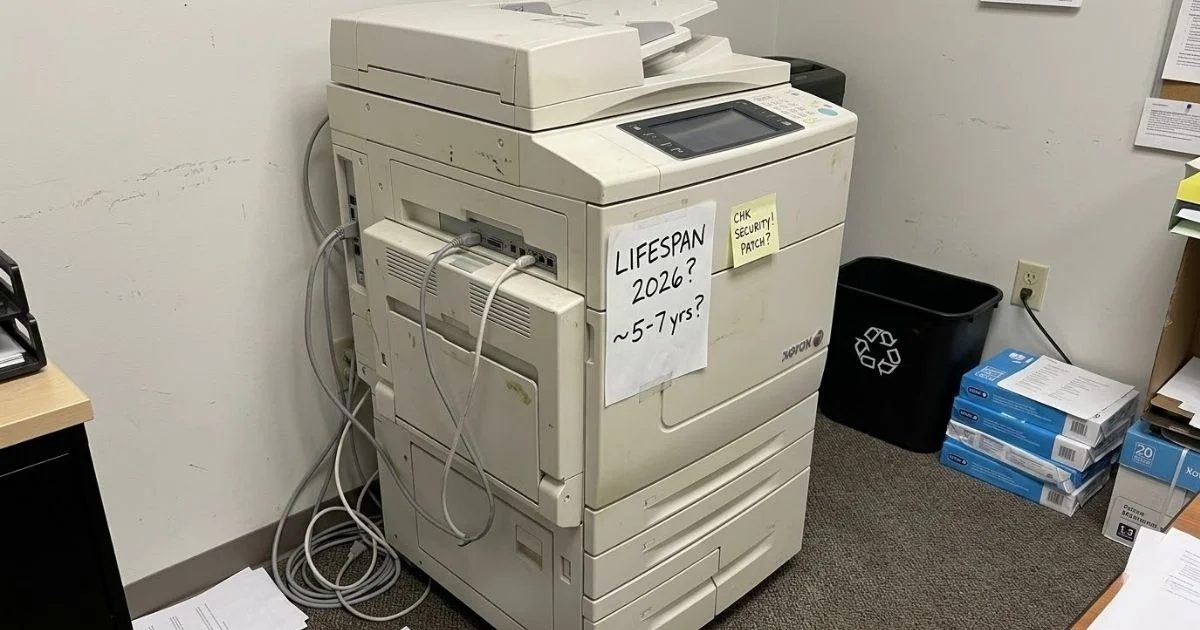
In 2026, the average lifespan of a copier machine is typically between 5 and 7 years for most office environments. However, if you use a high-end unit and stick to a strict maintenance schedule, you can often push that life expectancy closer to 10 years. Deciding when to replace your printer is a lot like trading in a car; you must weigh the “mileage” on the meter against the rising price of constant copier repair visits.
Environment: Where Your Copier Lives Matters
The first factor in longevity is location. A machine in a high-rise office will perform much differently than one in a portable trailer at a construction site.
The Construction Site vs. The Law Office
When we provide a copier rental for a construction site, we know it will have a rough life. Fine dust and debris gum up rollers and sensors, often limiting high-quality life to just 3 to 4 years. On the flip side, a photocopy machine in a clean, climate-controlled law office is “living the dream”. Modern machines hate humidity, which causes paper jams and toner issues. In a clean office, a unit can easily cruise past the 7-year mark, making a long-term copier lease a very safe commitment.
The Impact of Internal Heat
It isn’t just external dirt that kills a printer; it is internal heat. High-volume printing generates massive heat, and if your office is stuffy, the cooling fans have to work double time. Eventually, boards overheat and the machine dies.
Proactive Service and the “Auto-Piping” Advantage
Treating your copier machine like a toaster—only fixing it when it stops—cuts its life in half. This “reactive maintenance” is the fastest way to turn a high-quality unit into scrap metal.
Avoiding the “Slow Death” Model
Most businesses wait until they hear a grinding noise before calling for copier repair. By then, a cheap worn-out part has usually caused a “chain reaction” that damages expensive internal gears.
The Priority Safety Net
Professional providers use “Auto-Piping” to monitor your machine in real-time. If a sensor shows a part is wearing out, it is “Auto-Piped” to a service manager and flagged in red. This “pre-emptive strike” prevents damaging chain reactions and can extend a machine’s life by 2 to 3 years.
Table 1: Service Level Comparison
| Service Factor | Reliable Lease Partner | Independent Repair Shop |
| Response Priority | Top of the Queue (Red Flag) | “Best Effort” Filler Work |
| Repair Guarantee | Part of a legal SLA | No guaranteed response time |
| Parts Access | Reserved local inventory | Ordered as needed |
| Monitoring | Proactive remote tracking | Reactive (Call when broken) |
Using MVBF Data to Spot a “Zombie” Copier
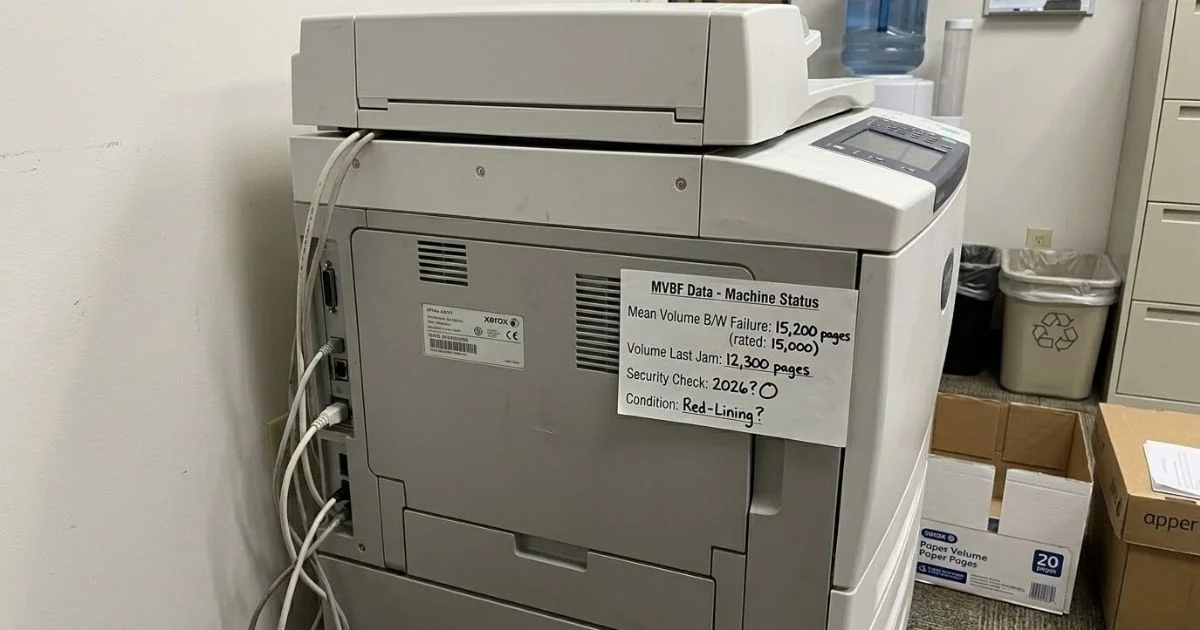
We use MVBF (Mean Volume Between Failure) data to tell when a machine is “tired” before it actually dies. Think of MVBF as the “mileage rating” for a printer.
Red-Lining the Engine
If a machine has an MVBF of 15,000 pages but your office pumps out 25,000, you are red-lining the engine. This data helps prevent you from getting stuck with a dead photocopy machine in the middle of a big project.
Tired Indicators
- Frequency of Jams: If the volume between jams is shrinking, rollers are losing their grip.
- Rising Costs: If you need copier repair every 5,000 pages instead of every 20,000, it is a “money pit”.
- Heat Stress: Constant high-volume work “cooks” the circuit boards, leading to random reboots.
The “Security Lifespan” Challenge
In 2026, the “Security Lifespan” of a copier machine is often shorter than the mechanical one. Your hardware might still work, but if the software is a risk, the machine is at the end of its life.
Zero Trust and McAfee
Modern IT requires “Zero Trust” integration and tools like McAfee to verify software and block hackers. If a machine is 7 or 8 years old, its processor isn’t fast enough to run these security checks while you scan documents.
The Risk of Obsolete Firmware
Eventually, manufacturers like Xerox stop releasing security patches for old models. Once updates stop, your old photocopy machine becomes an entrance for malware. In fields like healthcare or law, this puts you out of compliance with privacy laws.
Sandbox Lab: Preventing “Early-Life” Failure
A machine is most vulnerable in its first 30 days. A “drop and run” delivery often leads to mechanical stress and software glitches that shave a year off the machine’s life.
Boot Camp for Printers
A professional “Sandbox Lab” acts as a boot camp where machines are pre-configured in a controlled environment.
- Mechanical Break-in: We ensure gears and belts are seated perfectly to catch factory defects early.
- Software Testing: We install your specific security protocols and run “test loops” to ensure they don’t crash.
- Day One Success: Your copier rental wakes up already knowing your IP addresses, leading to 50% fewer repair visits in the first year.
Why Genuine Xerox Support Wins Every Time
Using cheap, “compatible” parts from an independent shop is a total illusion. Precision technology requires genuine factory parts.
The Chain Reaction of Cheap Parts
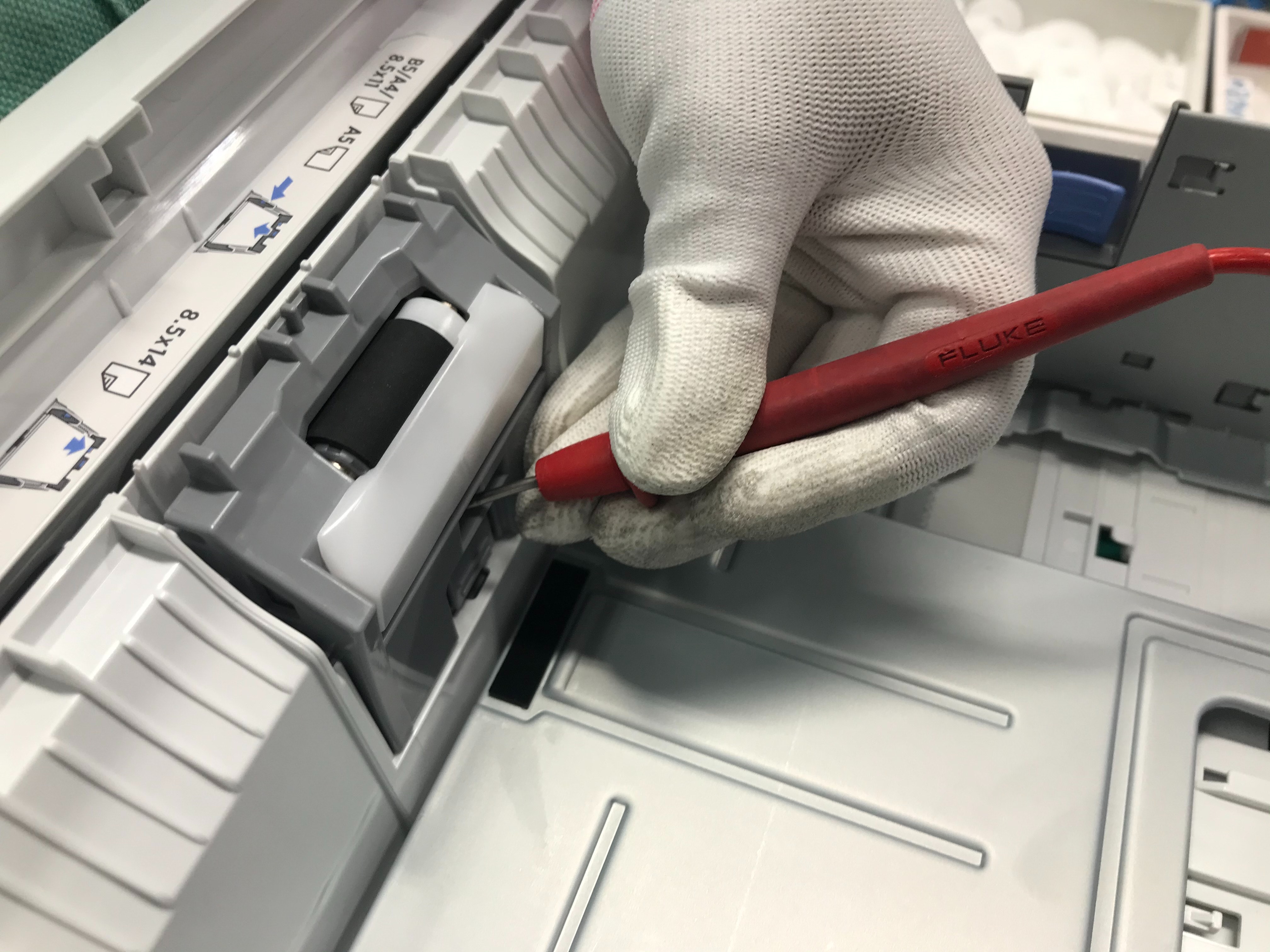
A printer is a system of heat and friction. Generic parts often cannot handle high-volume temperatures; they warp or melt, ruining the fuser unit. If a roller is off by a fraction of a millimeter, it puts extra stress on the motors, leading to a massive copier repair bill.
The Firmware Advantage
Independent shops don’t have access to official Xerox factory firmware. Genuine firmware knows exactly how much voltage to send to motors and how much heat to apply to toner. Without it, the machine is “guessing,” leading to more jams and a shorter life.
The “8:00 AM Proposal” Test and Loaner Guarantees
Old machines have a way of failing exactly when you have a massive contract due. We call this the ultimate stress test.
Rescuing the Workflow
One architectural firm had a total mechanical failure on a “zombie” machine at 4:45 PM before a multi-million dollar bid was due. Because they were a copier rental client, we triggered our “Loaner Guarantee”. We didn’t waste time fixing the dead machine; we rolled in a fresh, high-volume unit by 6:30 PM. They met their 8:00 AM deadline and won the bid.
Repair vs. Replace Math: When to Walk Away
Don’t get emotionally attached to a depreciating tool. We use a “Rule of Threes” to help you decide when to stop the repair cycle.
The 50% Threshold
If a single copier repair estimate exceeds 50% of the market value of the machine, we advise against it. If your 6-year-old printer is worth $1,000 and needs a $600 fuser, you are in the “danger zone”.
Hidden Costs and Scarcity
- Downtime Costs: If your team can’t print for two days every month, that lost productivity is more expensive than a new copier lease.
- Parts Scarcity: If we have to search eBay for parts, the machine is a liability.
Managing the “Tech Refresh” for 100% Uptime
Managing lifespan requires different strategies for a copier lease versus a copier rental.
Lease vs. Rental Strategy
- The 5-Year Lease: Around the 36-to-48-month mark, we look at “upgrading in place” before heavy repair bills kick in during year five.
- The Short-Term Rental: These machines are treated like sprinters. Because they might do three years of work in six months, we use “Hot Swaps” to roll in fresh units before glitches even start.
Case Study: The 30% Savings Audit
One accounting firm thought their paid-off, 8-year-old machine was saving them money because they had no monthly copier lease. Our 90-Day Transparency Audit proved “Old Reliable” was a silent thief.
The Transformation
- The Drain: The old unit used outdated toner that cost $250 more per month and was a high-energy “hog”.
- The Result: By switching to a modern copier rental with all-inclusive service, their total office spend dropped by 28%. Staff were happier because they weren’t wasting 20 minutes a day clearing jams.
Table 2: Office Culture Comparison
| Factor | Finicky Owned Machine | Professional Lease Partner |
| Staff Role | Staff become “accidental repairmen” | Staff remain focused “users” |
| Repair Cost | Unexpected $800 bills | Fixed monthly utility cost |
| Output | Apologizing for “printer issues” | Consistent professional output |
| End of Life | You own a worthless “anchor” | Seamless tech refresh |
Choosing Uptime Over Obsolescence
Choosing the right copier machine in 2026 is a balance between mechanical “mileage,” software security, and the actual cost of keeping it running. While you might get 7 to 10 years out of a well-maintained, high-end photocopy machine, the “hidden” costs of an aging printer often make a refresh the smarter financial choice. Between expensive copier repair bills, slow performance, and the risk of using an “unpatchable” unit that lacks McAfee, holding onto a “zombie” machine can eventually put your business at risk.
Whether you decide to stick with a long-term copier lease or prefer the flexibility of a copier rental, the ultimate goal is 100% uptime. By paying attention to MVBF data, utilizing a Sandbox Lab for pre-configuration, and choosing a genuine, factory-supported partner, you ensure your office stays productive, secure, and within budget. Don’t wait for your hardware to fail at the worst possible moment—make the move to a modern, reliable solution today.