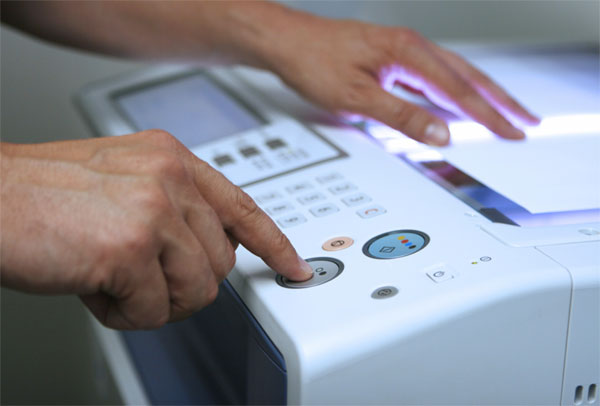
Graphic design is a mode of communication where one combines images and texts to pass a message. A good printer will give a graphical designer the best final output. Designers need quality printers that offer high-quality image resolutions and perfect color balance. The printout should be of high quality, regardless of the printer being a laser printer or inkjet printer.
Comparison: Best Printers for Design and High-Quality Output
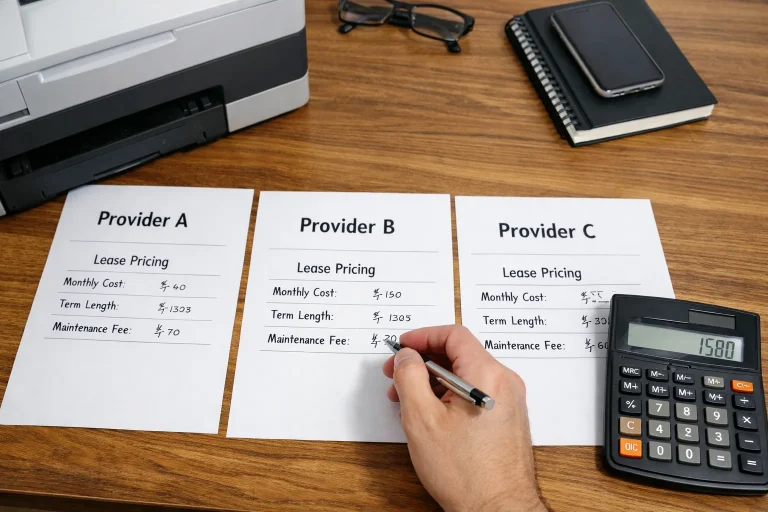
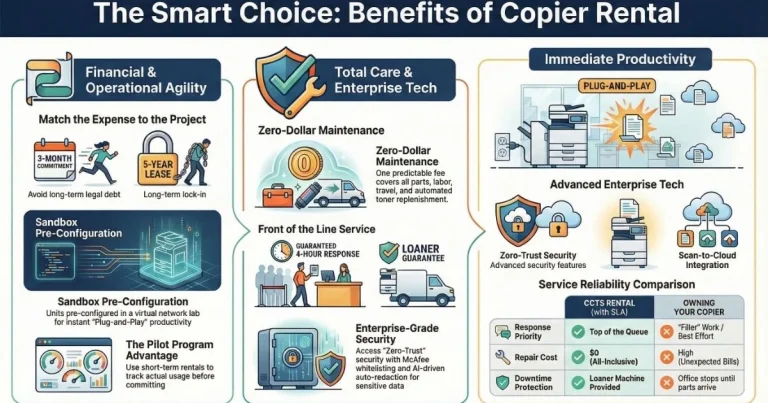
If you need copiers for your office, you can opt for a copier lease. Copier leasing in Boston can help you get the best copiers for your business.
| Printer Model | Key Resolution & Color System | Max Media Size / Paper Capacity | Best Use Case |
| CANON PIXMA iP8720 | 9600 dpi; Combined & Individual ink tanks; ChromaLife 100+. | Works on cardstock and different sizes; AirPrint/Bluetooth. | Economical and quiet office use; excellent quality for presentations. |
| EPSON XP-15000 | Ultra HD photos; 6 stand-alone dye tanks. | Large format (up to 19 x 13 inches); rear paper tray (50 sheets). | Professional photographers and designers needing large, borderless prints. |
| EPSON EXPRESSION XP6000 AIO | 5 ink options; High-quality images; 10×8 inch max size. | Fast operation (15 seconds per image); duplex printing. | Affordable, multifunctional (AIO); reliable speed for design proofs. |
| BROTHER HLL8360CDW | Up to 2400 dpi (Laser Toner). | High volume output (up to 3,500 pages per toner). | Premium business use; fast laser speed with low maintenance. |
| CANON PIXMA PRO-100 | 8 dye-based colors. | Sleek, amazing, and stylish design. | Top pick for professional graphic designers needing premium, vibrant images. |
| EPSON XP-8500 | 6-color cartridges; High contrast images. | Special tray for cardstock and specialized papers; compact size. | Offices needing high contrast, specialized paper handling in a compact unit. |
Detailed Feature Breakdown
CANON PIXMA iP8720
Canon is one of the best producers of printers for graphic designers. This printer can work on papers of different weights and sizes. If you are making presentations, the printer can work on your cardstock papers. It is also capable of working on standard office paper. The printer is economical and it uses inkjets to produce the base.
- Key Features: Features Ultra HD photos borderless printing, dual paper trays, and 6 individual colors. It can be wireless and wired and is easy to use and operate because of the LCD on the printer.
EPSON XP-15000
This printer is an amazing workhorse that offers incredible picture quality. The printer has six stand-alone dye tanks. They offer an impressive color blend that gives a quality image print. The printer can carry a load of up to 19 x 13 inches of paper at the back.
BROTHER COLOR LASER HLL8360CDW
If you are searching for a premium business graphic designing printer, this is one of the best. The operation of the printer is very smooth, and the printer also has limited complications. It uses the best technology that you can get in printers. The printer is fast and its maintenance cost is low.
Conclusion: Get the Right Tools in Boston
The different features in use and the available color options make the right printer critical for any designer. You must choose a device that handles both your daily documents and high-resolution creative output.
If you plan to get copiers for your office in Boston, you can opt to buy copiers or lease copiers in Boston. Boston Copier solutions provide the best technology.
If you plan to get copiers for your office in Boston, you can buy copiers or lease copiers in Boston. We can give you options for getting the copy machine that you want. You can contact our local copier leasing services department in your location.
For all services in Boston, call Clear Choice Technical Services:
- Phone: (617) 221-7774
- Our personnel for copier leasing in Boston will assist you. If you are ready to start the process, request a quote today.
For dedicated Copier Repair Services in Boston, please visit our Repair Services Website for immediate assistance. Our network is powered by Clear Choice Technical Services.